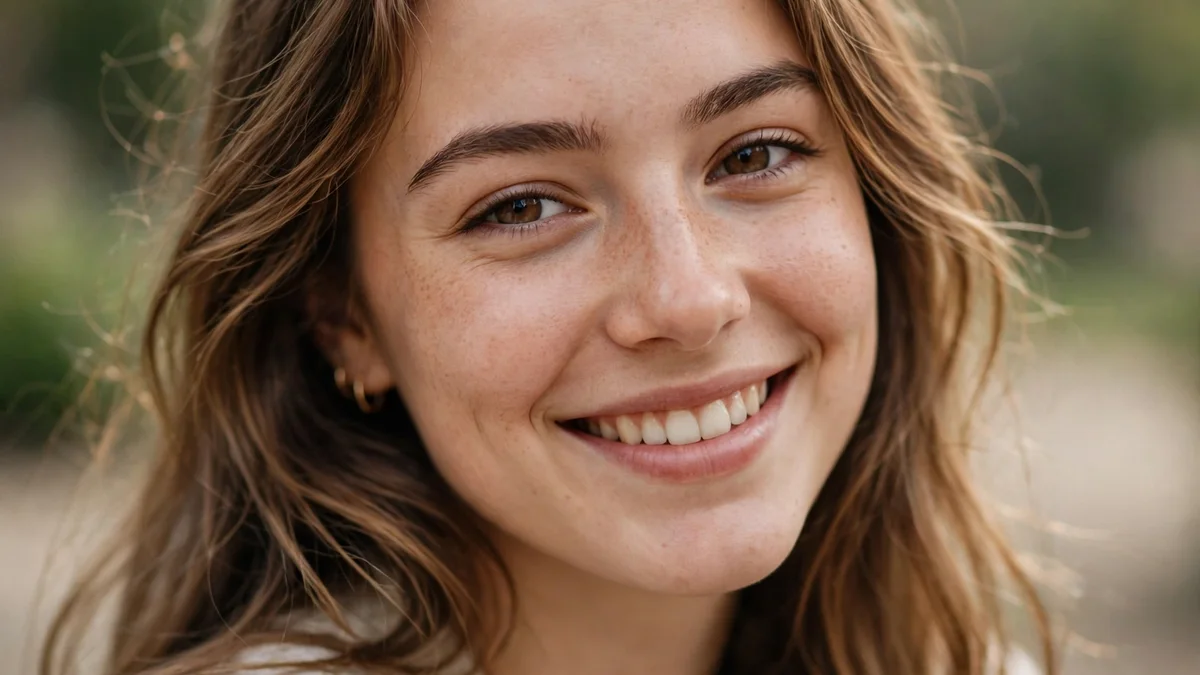

An age calculator by photo is a tool that looks at a picture of a face and gives an estimated age, usually as a single number or a small range. Can a photo really tell your age? Only roughly. These tools do not know your date of birth, and they cannot prove how old you are. What they do is compare the patterns in your photo with patterns the software has learned from thousands of other labelled photos, and then offer its best guess.
Key takeaways
- An age calculator by photo estimates age from a face photo; it does not know or verify your real date of birth.
- The tool first finds the face, then measures features such as skin texture, face shape and the lines around the eyes and mouth.
- The estimate comes from a machine-learning model trained on photos labelled with the subject’s age.
- Lighting, angle, expression, makeup, glasses and photo quality can all shift the result.
- The result is a guess, not proof of age, and it should never be used for legal or safety decisions.
- A face photo is personal biometric data, so think carefully before uploading one to any online tool.
What an age calculator by photo actually does
An age calculator by photo takes a single image and returns an age estimate. You upload a photo or take one with your camera, the tool finds the face in the picture, and a few seconds later it shows a number. Some tools show one number, others show a range, and some add a note about how confident the software is in its guess. The whole process feels simple, but several steps happen between the upload and the answer.
The first step is face detection. The software scans the image for the patterns that mark a human face: two eyes, a nose and a mouth in the expected arrangement. If it cannot find a face, it will usually ask for a different photo.
The second step is measurement. Once the face is found, the software maps dozens of points across it: the corners of the eyes, the tip of the nose, the edges of the lips, the line of the jaw and the shape of the face. It also reads the texture of the skin, including fine lines, smoothness and tone. These measurements are the raw material for the estimate, and they are the reason a sharp, well-lit, front-facing photo gives a steadier result than a dark or angled one. The guide to face shapes explains how the proportions of a face vary from person to person, which is part of why the same features can mean different things at different ages.
How the estimate is made
The estimate itself comes from a machine-learning model. During training, the model is shown large numbers of photos, each labelled with the age of the person in it. Over time it learns which combinations of features tend to appear at which ages: smoother skin and rounder faces in younger subjects, more visible lines and changes in face shape in older ones. When you submit a new photo, the model compares its measurements with what it learned and picks the age that fits best.
It helps to understand what the model is not doing. It is not reading a birth certificate, and it is not checking any record. It has no memory of you and no knowledge of your life. It is matching patterns, and patterns overlap: a 30-year-old with sun-weathered skin can share features with a 45-year-old, and a 50-year-old with smooth skin can share features with a 35-year-old. That overlap is why the result is an estimate, and why the same person can get different numbers from different photos. The age estimation entry on Wikipedia describes the wider field, including the forensic and research uses of estimating age from appearance.
What can change the result
Many ordinary things can move an estimate up or down. Bright, even light on the face helps the software read skin texture clearly, while harsh shadows or a photo taken in a dark room can hide detail and push the guess in either direction. A front-facing photo with a neutral expression is the easiest to read, while a photo taken from below, from the side or mid-laugh changes the shape of the face and the lines around the eyes and mouth.
Makeup, facial hair, glasses and hats all change what the software sees. The age of the photo matters too: a picture taken ten years ago will be read as the person looked then, not as they look now.
None of this means the tools are useless. It means the result depends on the input, and a careful photo gives a steadier estimate than a casual one.
Photo estimates compared with other ways of checking age
A photo-based estimate is only one way of answering the question of how old someone is, and it is the least certain of the common methods. A date-of-birth calculator simply subtracts a birth date from today’s date, which is exact but needs the date to be known. An official identity document is checked by a person or a system against a trusted record, which is why it is used where age really matters. A photo estimate needs neither a date nor a document, which is what makes it quick and easy, and also what makes it unreliable as proof. The table below sets out the differences.
| Method | What it needs | What it gives | Best use |
|---|---|---|---|
| Age calculator by photo | One face photo | An estimated age or range | Fun and curiosity, nothing official |
| Date-of-birth calculator | A known birth date | An exact age in years and days | Working out your own exact age |
| Identity document check | A passport or driving licence | A verified age | Buying age-restricted goods or services |
| Asking the person | Nothing | Whatever they choose to say | Everyday conversation |

What a photo age estimate should never be used for
The limits of these tools matter most where the stakes are highest. A photo estimate is not proof of age, and it should never be used to decide whether someone is old enough to buy alcohol, to work, to consent to something or to access age-restricted content. Those decisions need a verified document, checked by a person or a system that is designed for the job. A wrong guess from a photo could let a child through a check or block an adult, and neither outcome is acceptable.
The same caution applies to health. An age estimate says nothing about your health, your fitness or how long you will live, and no photo tool can diagnose a condition or tell you anything about your body beyond the surface of the picture. The guide to time card calculator is a useful contrast: it works from numbers you type in, and its answer is only as good as the numbers, just as a photo estimate is only as good as the photo.
Privacy: what happens to your photo
A face photo is biometric data, and it deserves more care than an ordinary picture. Before you upload one to any online tool, it is worth asking where the photo goes, how long it is kept, and whether it is used to train the software. Some tools process the photo on your own device and never send it anywhere, which is the most private option. Others upload it to a server, and their privacy policy should say how long it is stored and whether it is shared.
A few habits reduce the risk. Avoid uploading photos of children, and avoid uploading photos of other people without their permission. The guide to cell phone free government is about keeping phones out of certain spaces, and it is a reminder that the simplest privacy choice is often to keep a photo on your own device.
Your age calculator by photo checklist
- Remember that an age calculator by photo gives an estimate, not your real age or proof of it.
- Use a sharp, well-lit, front-facing photo with a neutral expression for the steadiest result.
- Remove glasses, hats and heavy filters before you take the photo, so the software can read your face clearly.
- Expect different numbers from different photos of the same person, and from different tools.
- Never use a photo estimate for age-restricted decisions, legal checks or health advice.
- Check what happens to your photo before you upload it, and prefer tools that process it on your device.
- Do not upload photos of children, or photos of other people without their permission.
- Treat a result that feels wrong as a guess that missed, not as a fact about how you look.
How does an age calculator by photo work?
An age calculator by photo finds the face in your picture, measures features such as skin texture, face shape and the lines around the eyes and mouth, and compares those measurements with patterns learned from photos labelled with the subject’s age. The result is an estimated age, not a verified one.
How accurate is an age calculator by photo?
It is only a rough guide. The result depends on the photo, the lighting, the angle, the expression and the person, and the same person can get different numbers from different photos. It should be treated as an estimate, not a measurement.
Can a photo age estimator prove my age?
No. A photo estimate is not proof of age and should never be used for legal checks, age-restricted purchases or any decision where age really matters. Those decisions need a verified identity document.
What kind of photo gives the best estimate?
A sharp, well-lit, front-facing photo with a neutral expression gives the steadiest result. Bright, even light, no glasses or hat, and no heavy filter all help the software read the face clearly.
Why do two photos of me give different ages?
Because the estimate depends on the input. Lighting, angle, expression, makeup, facial hair and photo quality all change what the software measures, so two photos of the same person can easily give two different numbers.
Is it safe to upload my photo to an age calculator?
It depends on the tool. A face photo is personal biometric data, so check where the photo goes, how long it is kept and whether it is used for training. Prefer tools that process the photo on your device, and do not upload photos of children or of other people without their permission.
The bottom line
An age calculator by photo is a clever piece of pattern matching: it reads the face in a picture and offers its best guess at an age, based on what it learned from other labelled photos. Used well, with a clear photo and honest expectations, it is a harmless curiosity. Used as proof of age, or as a health check, it is the wrong tool for the job. The number it gives is a guess about a photo, not a fact about a person.
This article is for general information only. A face photo is personal data, so check any tool’s privacy policy before uploading one, avoid uploading photos of children or of other people without their permission, and never use a photo-based estimate where a verified proof of age is required.