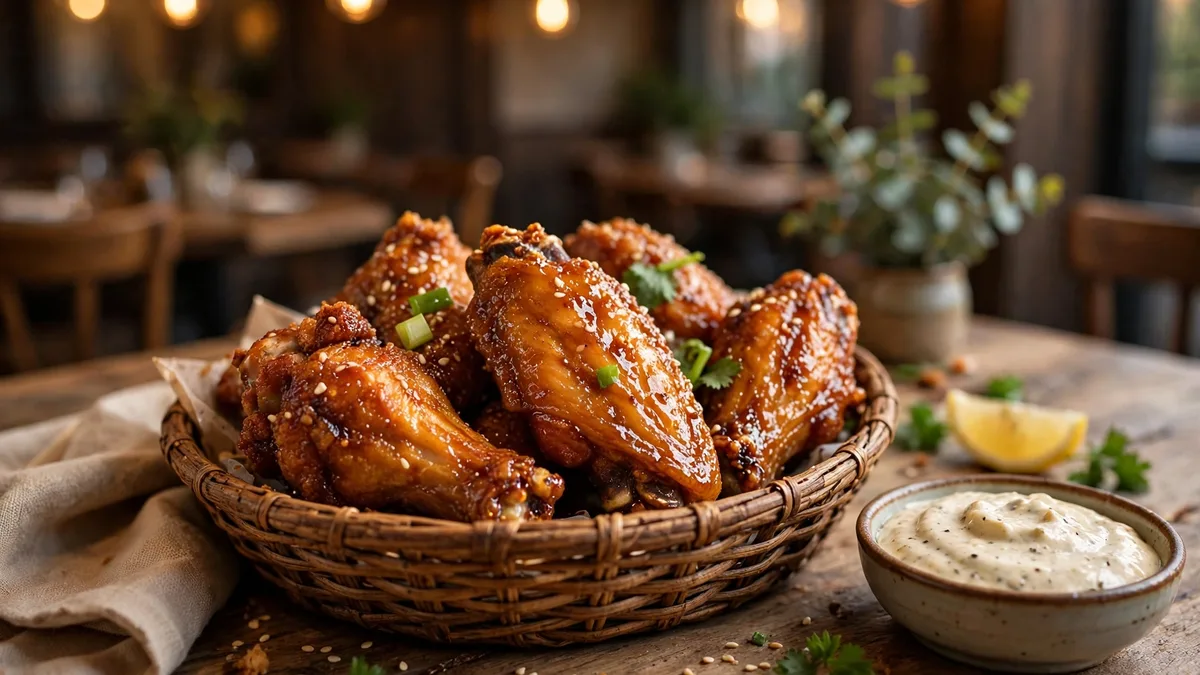

The Wingstop survey is the chicken chain’s guest feedback survey, an online questionnaire reached using the invitation printed on a recent receipt. The central question is simple: how do you take it, and what happens when you finish? You keep your receipt, visit the survey address printed on it, enter the details from your visit, answer questions about your food and service, and receive a validation code at the end.
A few details catch people out: a receipt that is too old, a code typed wrong, or confusion about what the validation code is for. This guide walks through the survey step by step and covers the mistakes that stop people from finishing it.
Key takeaways
- The Wingstop survey is an online guest feedback questionnaire, reached from the invitation on a recent receipt.
- You need the details from your visit, usually the survey code plus the store, date, time and order number.
- The survey asks about food quality, order accuracy, speed of service, staff friendliness and cleanliness.
- It usually takes around five to ten minutes and is available in English and Spanish.
- At the end you receive a validation code: write it down as your record of completing the survey.
- What, if anything, the survey offers depends on the promotion printed on your receipt, so check the receipt itself.
What the Wingstop survey is
Wingstop is a restaurant chain built around chicken wings, and like many large chains it runs a guest feedback survey to learn how its restaurants are doing. It is the company’s way of hearing from the people who actually ate there, rather than relying only on sales figures. When customers describe a visit in their own words, the company can see patterns: which restaurants are getting the food right and where service is slow.
The survey is run online and tied to a specific visit, because the feedback is only useful if the company knows which restaurant you visited and when. Your receipt carries the invitation and the details that identify the visit, which is why the survey cannot be taken without one. There are no right answers: honest feedback, good or bad, is the point.
What you need before you start
Before you open the survey, gather the receipt from your visit. The invitation is printed on it, together with the survey address and the details you will be asked to enter: usually a survey code, the restaurant number, the date and time of your visit, and the order number. Having it in front of you makes the whole thing much quicker.
You will also need a phone, tablet or computer with an internet connection, and a few uninterrupted minutes. The survey is designed to work on a phone, but it is easier if you are not in a rush. If your receipt is damaged or the code is hard to read, check it in good light first: a wrongly typed code is the most common reason the survey will not open.

How to take the Wingstop survey step by step
Start by visiting the survey address printed on your receipt, which is the official survey site. Choose your language when asked: the survey is offered in English and Spanish, and both versions ask the same questions. Then enter the details from your receipt exactly as printed. Double-check each entry, since a single mistyped digit can stop the survey from recognising your visit.
Once your visit is recognised, the survey will guide you through its questions one screen at a time. Answer each one honestly: you will rate parts of your visit and, in places, add a short comment. At the end, submit your answers and write the validation code on your receipt straight away, while it is in front of you.
What questions the survey asks
The survey covers the whole visit, not just the food. It typically asks how satisfied you were with the taste, temperature and freshness of your wings and sides, whether your order was accurate, and whether the portion felt right. It then moves on to the service: how quickly your order was ready, how friendly and professional the staff were, and how clean the restaurant or collection area looked.
It also asks about the visit as a whole, including whether you would return and recommend the restaurant to others. Some questions use a rating scale and some invite a short written answer, and the written answers are where specific detail helps most. If something was wrong, say what it was; if something was especially good, say that too.
What happens after you finish
When you submit the survey, you will usually see a validation code on screen. This code is your proof that you completed the questionnaire, and you should write it on your receipt or save it somewhere safe. What the code entitles you to, if anything, depends on the promotion running at the time, and that is stated on your receipt and on the survey site itself. Offers change, and they can vary by location, so the receipt is the reliable source rather than anything you read elsewhere.
Your answers go to the company, where they are used to track how individual restaurants are performing. One survey will not change a restaurant overnight, but a pattern of similar feedback from many customers is hard to ignore, and that is how surveys earn their keep.
How long the survey takes and when to take it
Most people finish the survey in about five to ten minutes, depending on how much they write in the open comment boxes. The rating questions are quick; the written comments take longer, but they are also the most useful part. Taking the survey soon after your visit is best, while the details are fresh in your mind: the flavour of the wings, how long you waited, and whether anything was missing from your order.
There is usually a time limit on how long after a visit the survey can be taken, printed on the receipt. If you leave it too long, the survey may no longer accept your code, so do it the same day or the next, and keep the receipt until you have written down your validation code.
Wingstop survey: comparing the steps
The table below summarises the process from receipt to validation code.
| Step | What you do | What you need | Watch out for |
|---|---|---|---|
| Keep the receipt | Save it after your visit | The paper receipt | A faded or damaged code |
| Visit the survey site | Use the address on the receipt | A phone or computer | Unofficial lookalike sites |
| Choose a language | Pick English or Spanish | Nothing extra | Both versions ask the same questions |
| Enter visit details | Type the code, store, date and time | Receipt details | Mistyped digits |
| Answer the questions | Rate food, service and cleanliness | A few honest minutes | Rushing the written comments |
| Save the code | Write down the validation code | A pen or your phone | Closing the page before saving it |
Common problems and how to fix them
The most common problem is a survey code that is not accepted, and the usual cause is a typing error or a receipt from a visit that is too old. Read the code again carefully, check for digits that look alike, and confirm that the receipt is still within the period printed on it. If the code still fails, check that you are on the official survey site named on the receipt, because lookalike sites exist and they will not recognise a genuine code.
Another common problem is the survey freezing or failing to load, which is usually a connection issue. Try refreshing the page or switching to a stronger connection. If the survey stops halfway through, you may need to start again, so complete it in one sitting. Never enter payment details beyond what the survey asks for: a genuine guest survey does not ask for your bank details.
Staying safe with survey sites
Guest surveys attract copycat websites, so a little caution is worth it. Only use the survey address printed on your own receipt, and be wary of links in messages, emails or social media posts that promise survey rewards. A genuine survey site will ask about your visit; it will not ask for passwords, bank details or payment card numbers, and it will not ask you to download anything.
If a site asks for sensitive information, close it and check the address on your receipt again. The same caution applies to offers that sound too generous: if a message promises a large prize for a few minutes of feedback, treat it as suspicious. Your receipt is the only trustworthy source for the survey address and for what the survey offers.
Your Wingstop survey checklist
Keep this list beside you the first time you take the survey.
- Keep the receipt from your visit and check that the survey invitation is printed on it.
- Note the survey address on the receipt and use only that address.
- Check the receipt for any time limit on taking the survey.
- Have the receipt in front of you before you start, with the code easy to read.
- Choose English or Spanish when the survey offers the choice.
- Enter the survey code, store number, date, time and order number exactly as printed.
- Answer the rating questions honestly, including the ones about service and cleanliness.
- Use the comment boxes for specific detail, good or bad, rather than vague remarks.
- Write down the validation code as soon as it appears on screen.
- Keep the receipt with the code written on it until you have used it or no longer need it.
Frequently asked questions
What is the Wingstop survey?
It is Wingstop’s guest feedback survey, an online questionnaire taken using the invitation on a recent receipt. It asks about food quality, order accuracy, service, staff friendliness and cleanliness, and ends with a validation code.
Do I need a receipt to take the Wingstop survey?
Yes, in practice you need a recent receipt, because the survey asks for the survey code and the details of your visit, such as the store, date, time and order number. Without them it cannot identify which restaurant you visited.
How long does the Wingstop survey take?
Most people finish in about five to ten minutes. The rating questions are quick; the time depends mainly on how much you write in the comment boxes, where specific detail is most useful.
What do I get for completing the Wingstop survey?
What, if anything, is offered depends on the promotion running at the time, stated on your receipt and on the survey site itself. Offers change and vary by location, so check your receipt.
What is the validation code for?
The validation code is your record that you completed the survey. Write it on your receipt as soon as it appears, because it is the only proof of completion you receive.
What should I do if my survey code does not work?
Check the code for mistyped digits, confirm the receipt is still within the time limit printed on it, and make sure you are on the official survey site named on the receipt. If it still fails, the receipt may simply be too old.
The bottom line
The Wingstop survey is a short, straightforward way to tell the chain how your visit went: keep the receipt, use the address printed on it, enter your visit details, answer honestly, and write down the validation code at the end. The most useful feedback is specific, mentioning what was good or what went wrong. Check your receipt for what the survey currently offers, and be wary of any other site claiming to be the survey. For more food and dining guides, see our round-up of the best restaurants in Tucson, our guide to the best breakfast food, and our list of the best restaurants in Tampa.