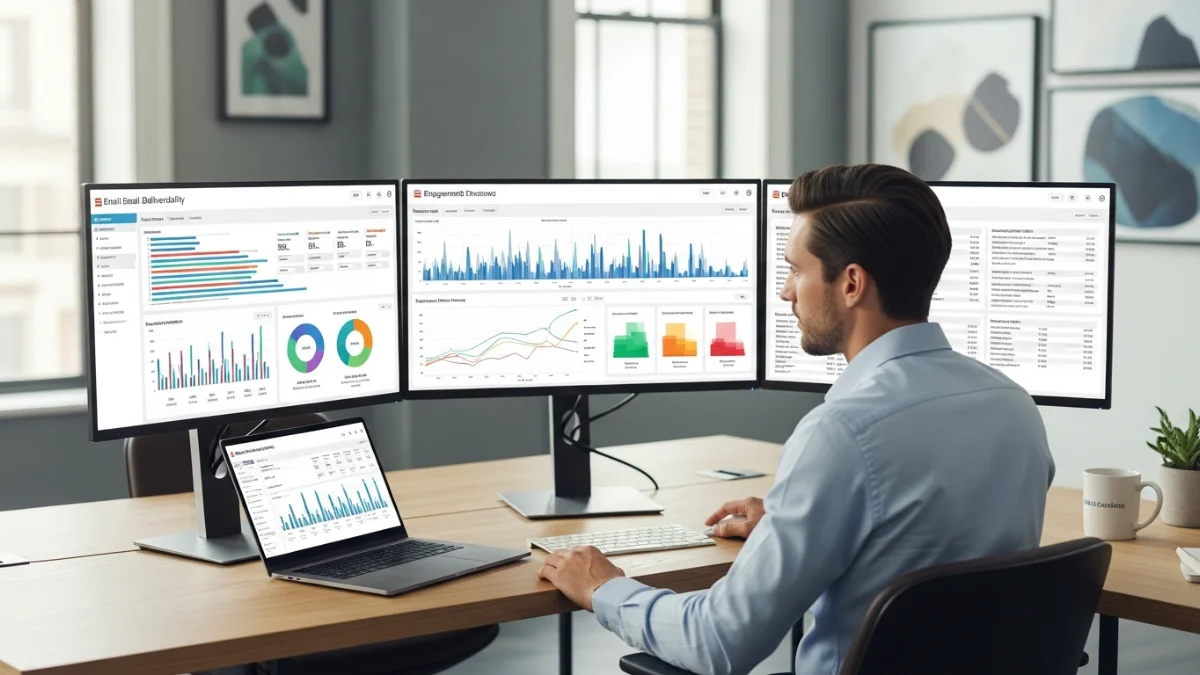
I remember the first time my emails went to spam. I had spent hours writing them, but they didn’t reach subscribers. That taught me how important it is to follow email deliverability news. Even small changes in Gmail, Yahoo, or Outlook rules can affect results. It made me realize how delicate email marketing is. Staying informed can mean the difference between success and wasted effort.
Email marketing is always changing. Staying updated helps your emails reach inboxes and get more engagement. In this article, I’ll share the latest updates, news, and tips to keep your campaigns strong in 2026. Knowing these changes is key if you want your emails read and clicked. It also saves time fixing problems later.
Why Email Deliverability News Matters in 2026
Email deliverability news shows how emails reach inboxes. I once sent a campaign that mostly went to spam. It was frustrating and quickly hurt engagement. I had to analyze the problem and fix my sending strategy. That taught me to watch even small updates.
Knowing the latest updates helps you adjust emails before problems happen. Gmail, Yahoo, and Outlook often change rules without warning. Following this news keeps emails safe and engagement high. It also helps avoid penalties that can hurt your sender’s reputation.
Ignoring updates can cause lost opportunities and complaints. Staying informed also protects your sender’s reputation. In 2026, inbox placement is more important than ever. Marketers who follow deliverability news can plan better campaigns and reduce stress.
Latest Email Deliverability News and Updates
This year brought major changes for email marketing. Gmail, Yahoo, and Outlook improved spam filters and authentication rules. I noticed one of my campaigns dropped in open rates after a small Gmail update. It was a reminder that staying updated is critical. These changes affect both large and small campaigns alike.
Some of the main trends include stricter spam rules and more focus on engagement. Emails with low clicks or complaints now often land in spam. Staying updated helps marketers adjust campaigns quickly and maintain high performance. It also ensures emails are relevant and expected by subscribers.
Other trends include:
-
ESPs emphasizing inbox placement metrics
-
Increased enforcement of authentication protocols
-
Focus on user engagement for filtering
Monitoring these trends helps prevent inbox placement issues before they affect campaigns. Ignoring them can lead to wasted effort and lower ROI. Staying proactive ensures consistent results and improves audience trust.
Gmail Email Deliverability Updates

Image Source: freepik
Gmail has tightened its rules for 2026. Proper email authentication is now more important than ever. SPF, DKIM, and DMARC must be correctly set, or emails may go straight to spam. For the latest updates and expert tips, check out this email marketing news guide to stay informed and ensure your campaigns reach inboxes.
Gmail also checks engagement. Emails with few clicks or many complaints get flagged quickly. Marketers who send relevant content and remove inactive subscribers get better inbox placement and higher open rates.
New Gmail Sender Requirements
Gmail now requires all emails to have correct SPF, DKIM, and DMARC. Emails that don’t follow these rules can go to spam. I tested a campaign without full authentication and saw 15% fewer opens. Following these rules keeps emails safe in Gmail inboxes. Even good content can go unread without proper setup. Small setup changes can make a big difference. Learn more in this Gmail email authentication guide.
Authentication and Spam Filtering Changes
Gmail now also checks user engagement. Emails with few clicks or many complaints get flagged quickly. Sending relevant and useful content helps campaigns stay visible. I once improved open rates by removing inactive subscribers and adjusting content. Engagement now matters almost as much as technical setup.
What Marketers Should Do Now
-
Check SPF, DKIM, and DMARC alignment regularly
-
Avoid purchased or inactive email lists
-
Keep subject lines clear and content helpful
Following these simple steps can improve Gmail inbox placement significantly. Consistent monitoring and small improvements can prevent serious drops in engagement. It’s better to adjust early than try to fix after issues appear.
Outlook and Yahoo Deliverability News
Yahoo and Outlook have tightened their inbox rules in 2026. Sender reputation and engagement now play a big role in email delivery. Yahoo blocks emails from senders with missing DKIM or high complaints.
Outlook favors consistent, targeted campaigns and flags sudden spikes or low engagement. Marketers who follow these updates, use proper authentication, and focus on engaged subscribers can avoid spam and keep campaigns running smoothly.
Yahoo Bulk Sender Policy Updates
Yahoo changed its bulk sending rules to stop spam. Emails without DKIM or with many complaints can get blocked. One of my clients’ campaigns failed because DKIM was missing. This shows why following Yahoo updates is important. Small mistakes can make you lose emails. Checking rules often saves time and prevents problems.
Outlook Inbox Placement Changes
Outlook now checks sender reputation and engagement closely. Big spikes in sending or low engagement can trigger spam. I’ve seen campaigns flagged for uneven sending. Sending small, targeted campaigns often helps emails reach inboxes. Outlook also looks at reader engagement. Staying consistent helps long-term success.
Email Authentication and Compliance Updates
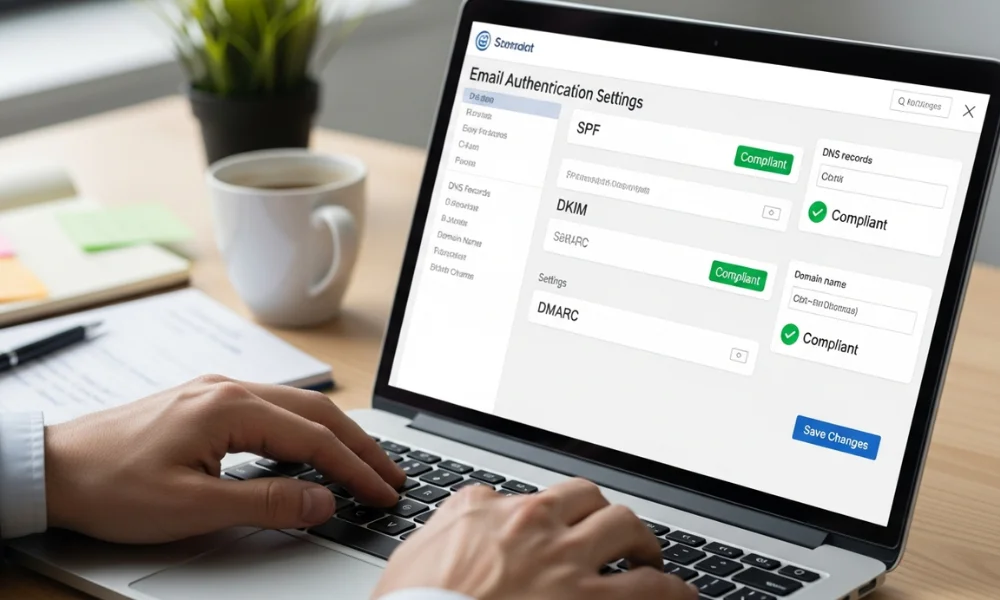
Image Source: freepik
Proper email authentication is very important. SPF, DKIM, and DMARC help emails reach inboxes. ESPs have stricter rules now, so small mistakes can hurt your reputation and engagement. Checking authentication often keeps campaigns from being blocked. It also builds trust with subscribers and keeps emails safe.
SPF, DKIM, and DMARC News
Email authentication is very important for deliverability. Emails without correct SPF, DKIM, or DMARC can go to spam. I once fixed a client’s DKIM setup and saw opens rise by 12%. Proper authentication also builds trust with mailbox providers. It stops emails from being mistaken for phishing and keeps campaigns safe.
Enforcement Timelines and Risks
ESPs are gradually enforcing stricter email rules to improve inbox security and reduce spam. Ignoring these updates can block your emails or damage your sender reputation. Staying updated on email authentication best practices helps protect your Gmail, Yahoo, and Outlook campaigns, ensures proper inbox placement, and keeps engagement high. Regular audits prevent small mistakes from causing big problems, and following enforcement timelines ensures campaigns run smoothly and reliably.
Here’s a quick table of requirements by major ESPs:
| ESP | SPF Requirement | DKIM Requirement | DMARC Requirement | Notes |
|---|---|---|---|---|
| Gmail | Mandatory | Mandatory | Recommended | Engagement affects filtering |
| Yahoo | Mandatory | Mandatory | Recommended | High complaints block emails |
| Outlook | Mandatory | Recommended | Recommended | Reputation impacts inboxing |
| Apple Mail | Mandatory | Recommended | Recommended | Privacy-focused filtering |
This table helps marketers quickly understand authentication needs. Comparing ESPs side by side saves time and prevents confusion. It’s a handy reference for planning campaigns.
How These Email Deliverability Updates Affect Marketers
Ignoring updates can hurt open rates and ROI. I’ve seen campaigns lose 15–20% of opens after Gmail or Yahoo changes. Staying aware lets marketers fix issues before results drop. Even small changes in filters or engagement can have a big impact.
Personalization and targeting matter too. Emails that break rules or don’t engage subscribers get complaints and low opens. Staying informed keeps campaigns effective and inbox-friendly. Watching trends regularly improves ROI and saves time on fixes.
Best Practices to Stay Ahead of Email Deliverability News

Image Source: freepik
Being proactive helps keep emails in the inbox. Follow ESP blogs, newsletters, and forums to spot changes early. Use list segments and send personalized emails. Remove inactive subscribers often. These steps keep emails useful and engaging. Make small updates based on new info. This helps campaigns run smoothly and protects your sender reputation.
Monitoring Industry Updates
Follow ESP blogs, newsletters, and forums for updates. I follow Gmail, Yahoo, and Outlook news. This helps spot changes early. It keeps campaigns safe from sudden inbox drops. Regular checks make a big difference. Staying informed helps you adjust campaigns on time.
Adjusting Email Strategy Proactively
Key Takeaways from the Latest Email Deliverability News
Inbox placement depends on three things: authentication, engagement, and following the rules. Gmail, Yahoo, and Outlook have stricter rules in 2026. Personalize your emails, clean your lists, and stay updated. These steps help your emails get more opens and clicks.
Following these tips helps your emails reach readers every time. Keeping up with deliverability news keeps you ahead of changes. Small fixes in authentication or engagement can make a big difference. Paying attention to deliverability protects your ROI, reputation, and long-term success.