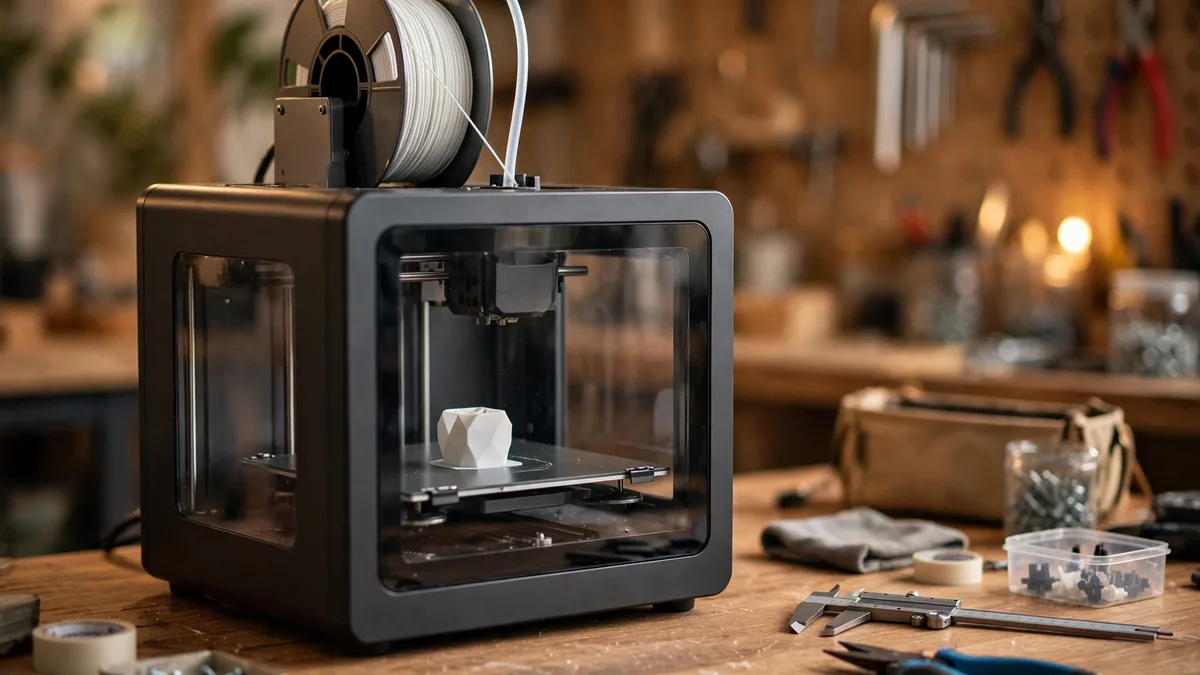

The Bambu Lab A1 3D printer is an open-frame, bed-slinger machine aimed squarely at beginners who want good prints without a long apprenticeship in tuning. If you are wondering whether it is the right first printer, the short answer is that it suits newcomers who value speed, automatic calibration and easy colour printing, while hobbyists who need an enclosed chamber or engineering plastics will probably want to look elsewhere.
Three-dimensional printing has moved a long way from the fiddly kit machines of a decade ago. Modern beginner printers arrive mostly assembled, level their own beds and slice files in friendly software, and the A1 is one of the clearest examples of that shift. Bambu Lab built its name on fast, highly automated printers, and the A1 brings much of that approach down to a lower tier.
Key takeaways
- The Bambu Lab A1 3D printer is an open-frame beginner machine with automatic bed levelling and fast print speeds.
- It suits newcomers, families, teachers and makers who mainly print PLA and PETG.
- An optional AMS lite unit adds multi-colour printing with up to four spools.
- Setup is short: the printer arrives mostly assembled and calibrates itself.
- It is not enclosed, so it is a poor fit for materials that need a warm chamber.
- Buyers of early units should check the 2024 heatbed recall.
What the Bambu Lab A1 3D printer is
The A1 is a desktop fused-filament printer, which means it builds objects by melting plastic filament and laying it down layer by layer. It uses the bed-slinger layout that most people picture when they think of a 3D printer: the print bed moves back and forth while the print head moves side to side and up. Bambu Lab lists the build volume at 256 by 256 by 256 millimetres, which is generous for a beginner machine and large enough for household items, toys, plant pots and board-game pieces.
What sets the A1 apart from older budget printers is how much of the fiddly work it does for you. It levels its own bed, measures the filament flow and runs a vibration calibration before printing. The touchscreen walks you through each step in plain language, and the slicer software, Bambu Studio, comes with ready-made profiles for common filaments, so a first print is usually a matter of choosing a model and pressing a button.
Who the A1 is for
The A1 is at its best in the hands of someone printing for fun, for the home, or for learning. If you want to print replacement knobs, custom brackets, desk organisers, gifts and prototypes in PLA or PETG, it will do that work quickly and with very little fuss. Teachers like it because a class can go from unboxing to a finished print in a single lesson.
It is less suited to two groups. The first is anyone who mainly prints ABS, ASA or nylon, which warp badly in cool air and really need an enclosed printer with a warm chamber. The second is anyone who wants to print all day in a small, poorly ventilated room, since any filament printer releases fine particles and faint smells while it works. If either description fits you, an enclosed machine is a better starting point.

Key features worth knowing about
Speed is the headline feature. Bambu Lab printers are known for fast acceleration and high print speeds, and the A1 is much quicker than the budget machines that came before it. In practice, a small model that once took three hours may now take one, which matters more than it sounds: short prints encourage experimenting, while long prints punish every mistake.
The second feature that matters is the AMS lite, the optional multi-colour unit. It holds up to four spools of filament and swaps between them during a print, so you can print models in several colours without changing filament by hand. Be aware that multi-colour printing uses extra filament for purging between colours, so colourful prints cost more in material.
The third feature is the quick-swap nozzle. The A1’s nozzle and heater come as one unit that clips in and out without tools, which makes changing nozzle sizes or replacing a worn nozzle a two-minute job. The printer also watches for common failures: it can detect a tangled spool, a failed first layer and filament running out, and it pauses the print rather than carrying on and wasting plastic.
Setup and your first prints
Unboxing and assembly take well under an hour for most people. The printer arrives with the frame, gantry and electronics already joined, so the remaining work is mostly fitting the spool holder, plugging in a few cables and removing the transit locks. The screen then guides you through calibration: bed levelling, vibration compensation and nozzle cleaning all run automatically.
For a first print, pick something small and forgiving. The little boat known as a Benchy is the traditional test, and Bambu Studio includes ready-made sample models if you would rather not hunt for files. Start with PLA, the easiest filament, in a light colour so you can see the layer lines. Watch the first layer: it should look like a smooth, slightly squashed sheet, not a stringy mess. If the first layer is good, the rest usually follows.
Bambu Lab A1 3D printer at a glance
The table below sums up the A1’s strengths and limits in one place.
| Area | What the A1 offers | Watch out for |
|---|---|---|
| Ease of use | Mostly assembled, automatic calibration, guided screen | You still need basic slicing and filament care |
| Print size | Around 256 mm on each side | Tall, thin models can wobble on a moving bed |
| Speed | Fast prints for a beginner machine | Top speed can roughen fine detail |
| Colour printing | AMS lite swaps up to four spools | Colour changes waste filament on purging |
| Materials | PLA and PETG print well | Open frame suits ABS and nylon poorly |
| Monitoring | Built-in camera and failure detection | Camera quality is basic |
How it compares with other beginner printers
Against older budget bed-slingers, the A1’s advantage is automation. A typical entry-level printer from a few years ago needed manual bed levelling with a sheet of paper, careful slicer tuning and a fair amount of patience, and it printed at roughly half the speed. The A1 removes most of that friction, which is why it is often recommended to people who want to print things rather than tinker with printers.
Against enclosed printers, the A1 trades capability for simplicity and cost. An enclosed machine handles a wider range of materials and keeps the printing environment stable, but it is heavier and harder to reach into. For a beginner printing PLA on a desk, the open frame is no disadvantage at all.
Common frustrations and how to handle them
The most common early frustration is a print that will not stick to the bed. The usual causes are a dirty build plate, damp filament or a first layer printed too high. Wash the plate with warm water and washing-up liquid, dry it fully, and try again before changing any settings. Filament absorbs moisture from the air, so keep spools in a dry box or a sealed bag with desiccant when they are not in use.
The second frustration is stringing, the fine threads of plastic left between parts of a model. It is usually a sign of damp filament or a temperature slightly too high for the material, and drying the spool or dropping the nozzle temperature a few degrees often clears it. The third is a failed print halfway through, often caused by the model coming loose or the spool tangling, so check that the spool turns freely before a long print. One more check for an early unit is the heatbed recall: in early 2024 Bambu Lab recalled the A1 heatbed over a cable fault, so buyers of second-hand or early machines should confirm whether theirs was covered.
Your Bambu Lab A1 3D printer checklist
Work through this list before and after your first week of printing.
- Place the printer on a level, stable table away from draughts and direct sun.
- Remove all transit locks and packaging before switching it on.
- Run the full automatic calibration, including bed levelling.
- Start with PLA in a light colour so layer lines are easy to inspect.
- Watch the whole first layer of your first few prints.
- Keep filament dry in a sealed bag or box with desiccant.
- Wash the build plate when prints stop sticking.
- Check that the spool turns freely before a long print.
- Try the AMS lite only after a few successful single-colour prints.
- Check whether an early unit was covered by the 2024 heatbed recall.
Frequently asked questions
Is the Bambu Lab A1 3D printer good for beginners?
Yes, it is one of the friendlier first printers available. It arrives mostly assembled, levels its own bed and calibrates itself, so a beginner can usually print something decent on the first day. You will still need to learn slicing and filament care, but the machine removes most of the setup pain.
What materials can the A1 print?
PLA and PETG are the A1’s natural materials, and it also handles flexible filament. Materials such as ABS, ASA and nylon can be printed in theory, but they warp easily in cool air, and the open frame gives them no warm chamber. If those materials are your main interest, an enclosed printer is a better choice.
Do I need the AMS lite multi-colour unit?
No, it is optional, and the printer works perfectly well without it. The AMS lite is worth having if you want multi-colour models or printed text in a second colour, and if you are happy to pay for the extra filament used when purging between colours. Learn single-colour printing first and add it later.
How big can the A1 print?
Bambu Lab lists the build volume at 256 by 256 by 256 millimetres. That is roomy for a beginner machine and covers household items, toys, organisers and most hobby parts. Very large models can be printed in sections and joined afterwards.
Is the A1 noisy?
It makes a moderate amount of noise, mostly fan hum and the sound of the bed and print head moving quickly. It is not silent, and many owners find it too loud for a bedroom at night. A spare room, garage or study is a better home for it, and a quiet mode can slow the fans and motion.
Should I buy the A1 or a cheaper beginner printer?
It depends on what you value. A cheaper printer can produce similar results once tuned, but it will ask more of you in setup, calibration and patience. The A1 costs more because it does that work for you and prints faster. If you enjoy tinkering, the cheaper machine may be more fun; if you want minimal fuss, the A1 is the easier buy.
The bottom line
The Bambu Lab A1 3D printer is a strong first machine for anyone who wants to print in PLA and PETG without a steep learning curve. Its automatic calibration, quick nozzle changes and optional multi-colour printing remove most of the chores that used to put beginners off, and its build volume is generous for the class. Just remember its limits: it is an open-frame printer, so engineering plastics and draughty rooms are not its friends, and early units deserve a check against the 2024 heatbed recall. For more on choosing home equipment, see our guide to the best stand mixer, our notes on the best smoothie blender, and our guide to the best toaster oven.
Take care with any 3D printer: the nozzle and build plate get hot enough to burn, and printing releases fine particles, so use the machine in a ventilated room and keep children away from the moving parts.